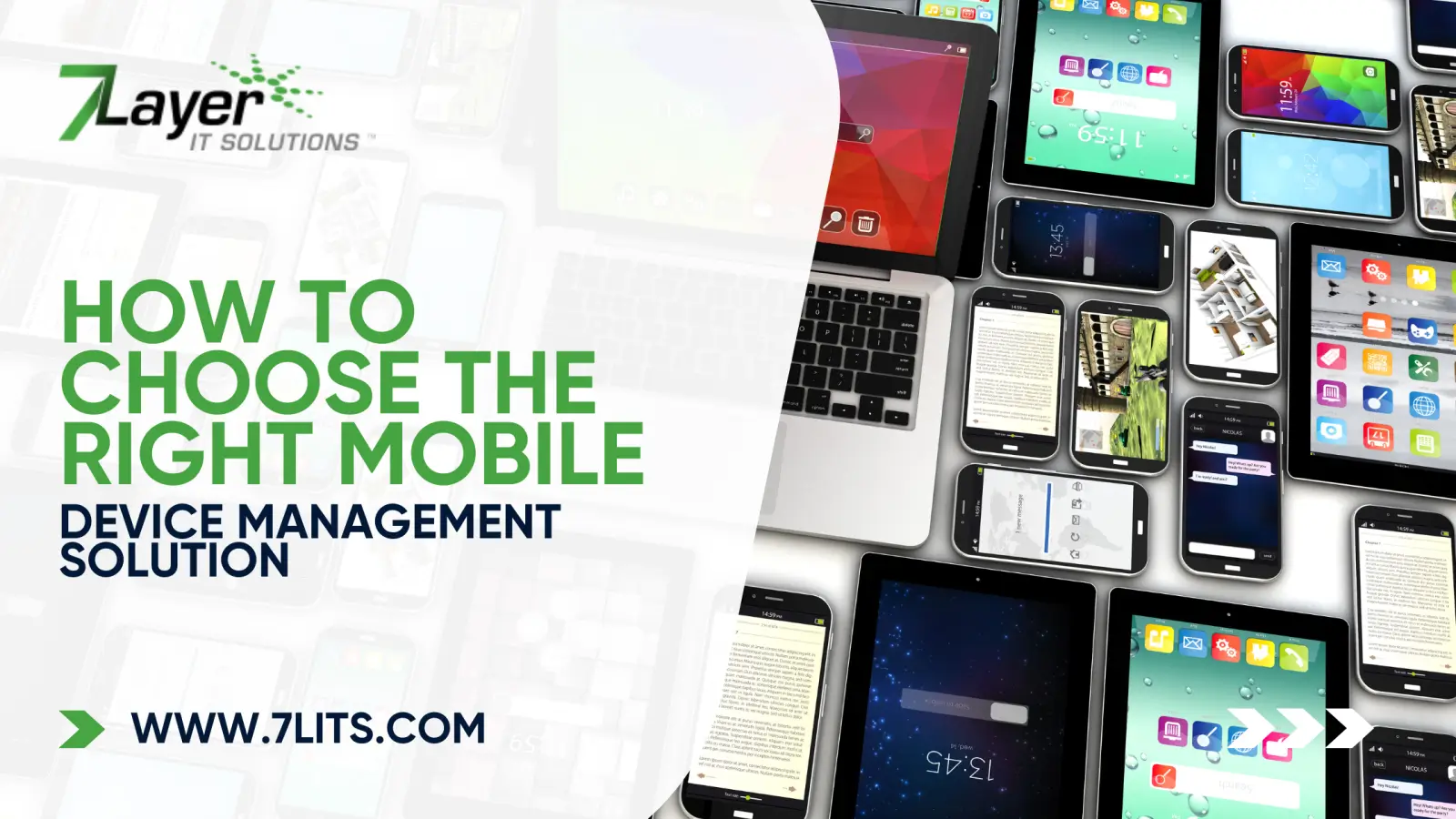
A lost phone, a stolen laptop, or a rogue app can expose your whole business in seconds. That is exactly why picking the right mobile device management solution is so important.
In simple terms, MDM is how you control work devices. It lets you protect data, push the right apps, lock or wipe lost hardware, and keep remote teams working safely. Instead of guessing what is on each phone or tablet, you see everything in one place and manage it from a single dashboard.
For 7 Layer IT Solutions clients, MDM sits alongside Mobile Device Management services, secure networks, and IT cloud services, so devices, data, and access all follow the same rules. In the rest of this guide, we will walk through what to look for and how to choose a platform that actually fits your business.
Key Features Every Mobile Device Management Solution Should Have
Before you compare brands, make sure any mobile device management solution can handle the basics well.
First, security. It should enforce passcodes, screen locks, and full disk encryption. You also want the ability to lock or wipe a lost device in a few clicks. That is your last line of defense when a phone goes missing.
Next, app control. A good mobile device management platform lets you push approved apps, block risky ones, and manage updates. Combined with solid patching, like Windows & 3rd-Party Patching, this keeps devices consistent and safer.
You also need configuration management. The platform should push Wi Fi, VPN, email, and DNS settings so users do not have to guess. One profile, many devices.
Finally, visibility. You should see which devices are compliant, which are out of date, and which need attention. When you pair that with Remote Monitoring & Management, you get a full picture of device health and risk in one place.
Choosing a Mobile Device Management Platform That Fits Your Ecosystem
Not every mobile device management solution fits every business. The right choice depends on the devices and tools you already use.
If your team lives in Google Workspace, Google mobile device management can be a simple starting point. It covers basic controls for Android and ChromeOS, and some settings for iOS. However, as you grow, you often need a fuller mobile device management platform that handles mixed fleets, tighter security policies, and better reporting.
The same is true if you are thinking about free mobile device management. Free tiers are fine for very small teams or short tests, but they usually lack automation, integrations, and strong alerts.
At that point, it makes sense to look at a managed, business-grade mobile device management solution that 7 Layer IT Solutions can deploy and run alongside your Network & Cybersecurity and Mobile Device Management services.
Free Mobile Device Management vs. Paid Plans: What You Really Get
It is tempting to start with free mobile device management. For a few devices, it can work. You usually get basic enrollment, simple passcode rules, and maybe some app controls. For testing or a very small team, that might be enough.
However, as soon as you grow, gaps show up. A stronger mobile device management solution adds automation, detailed reporting, role-based admin, and better alerting. It also handles mixed environments more cleanly, which many free tools struggle with.
A mature mobile device management platform can:
- Sync with identity tools for SSO and MFA
- Integrate with security tools and ticketing
- Use smart groups and templates for different roles
- Provide clear compliance and audit reports
You can still use options like Google mobile device management where they fit, but most businesses end up pairing them with a managed, paid platform and services such as Managed IT Services to keep everything consistent.
Security, Compliance, and Policy Management Considerations
A mobile device management solution is, above all, a security tool. It should let you define clear policies and prove that devices actually follow them.
You want granular control. A good mobile device management platform can apply different rules to sales, finance, and exec devices. It should enforce encryption, OS versions, app allowlists, and copy/paste controls for company data.
Compliance matters too. If you work under HIPAA, SOC 2, or similar frameworks, you need audit logs, reports, and alerts when a device falls out of policy. Here, MDM works hand in hand with Vulnerability Management and Network & Cybersecurity, so you can show that endpoints, networks, and cloud apps all meet the same standard.
Even if you start with Google mobile device management or a free mobile device management tier, keep an eye on how quickly your policy needs are growing.
Admin Experience, Integrations, and Day to Day Management
Even the best mobile device management solution fails if the admin experience is a headache. You want a clean web dashboard where you can see devices, policies, and alerts at a glance.
A solid mobile device management platform should:
- Show which devices are compliant or at risk
- Make it easy to push apps and settings in a few clicks
- Let you filter by location, role, or platform
- Offer readable reports you can share with leadership
Integrations matter just as much. Look for support with SSO and MFA, EDR tools, email security, and your ticketing system. That way, issues from MDM flow directly into Unlimited Technical Support or your helpdesk queue.
If you start with Google mobile device management, you will see how tightly it ties into Google Workspace. As you grow, you may want a broader mobile device management solution that integrates across Google, Microsoft 365, security platforms, and your existing Remote Monitoring & Management setup.
How to Test and Roll Out a Mobile Device Management Solution
A smart rollout keeps things calm. Here is a simple way to launch a new mobile device management solution without chaos.
Set clear goals
Decide what success looks like. For example: all company devices enrolled, encryption enforced, standard app set deployed, and fewer "I lost my phone" emergencies.
Shortlist tools
Pick two or three candidates, including any free mobile device management or existing options like Google mobile device management, if you are already in that ecosystem.
Run a pilot
Start with IT and a small group of friendly users. Test enrollment, app pushes, Wi Fi and VPN profiles, remote lock/wipe, and basic reports. This shows how the mobile device management platform feels in real life.
Refine and stage rollout
Create profiles for different roles (sales, field, execs). Roll out in waves, not all at once. Communicate clearly so people know what to expect.
Review monthly
Once live, check reports every month, adjust policies, and clean up old devices. Link this work with your Business Technology Audits and patching routines so devices, apps, and access stay aligned.
Conclusion: Picking the Best Mobile Device Management Solution for Your Business
The right mobile device management solution gives you control, not chaos. It protects data on lost devices, standardizes apps, supports remote work, and helps you prove compliance. It should also fit your ecosystem, whether you lean on Google mobile device management, a broader mobile device management platform, or move beyond free mobile device management to something more powerful.
Take your time: define goals, test a couple of options, and see which one is easiest to live with day to day. If you want help comparing tools and running a smooth rollout, 7 Layer IT Solutions can design, deploy, and manage MDM alongside your networks, cloud, and security stack.