Most businesses do not plan for the day their systems go down. They plan around the assumption that everything will keep working. Until it doesn't.
A server crashes. Ransomware locks up client files. A simple human error wipes a folder no one had backed up. And suddenly the whole week stops.
In a 2025 survey of 1,000 senior tech executives, every single one of them said their company lost revenue from IT outages in the past year. Not most of them. All of them. Recovery times are getting longer too. Over a third of ransomware victims now take more than a month to fully recover.
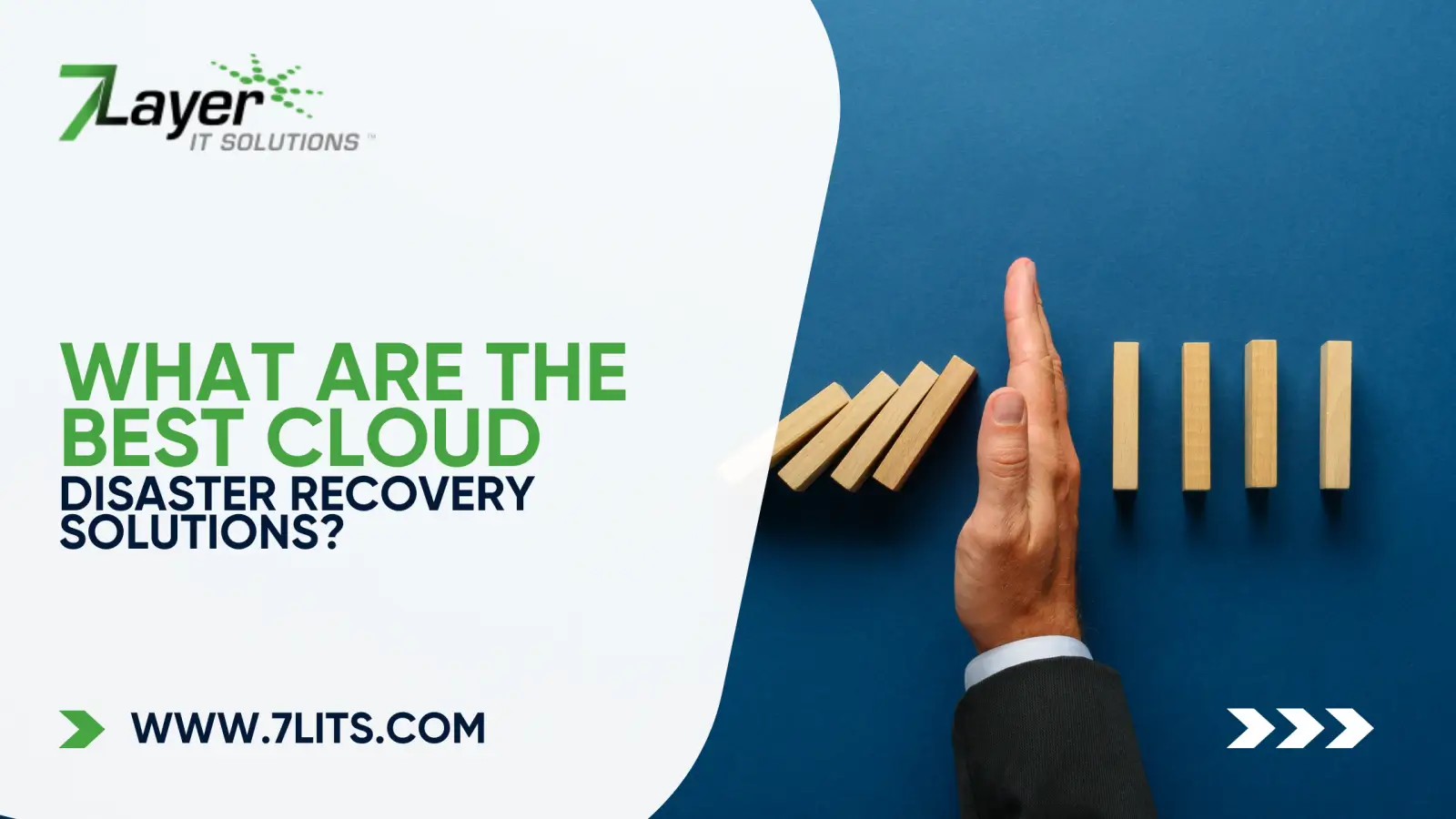
This is why Cloud Disaster Recovery Solutions have moved from a nice-to-have to a core part of running a business. At 7 Layer IT Solutions, we have spent close to two decades helping businesses across the country get this part right. In this guide, we are breaking down the best options out there, who they fit, and what actually matters when you choose one.
What Is Cloud Disaster Recovery?
Cloud disaster recovery is exactly what it sounds like. Instead of backing up your business data on physical servers sitting in your office, you back it up in the cloud. When something breaks, whether it is a server crash, a ransomware hit, or just plain human error, you can pull everything back up from a secure cloud environment and keep moving.
This used to be the kind of setup only big enterprises could pull off. Not anymore. Gartner predicted that by 2025, 90% of enterprises would use cloud-based disaster recovery, up from 60% in 2023. Small and mid-size businesses are catching up fast, and for good reason. On-prem backup setups are clunky, hard to scale, and often the first thing to fail when an actual disaster hits.
Why Cloud Disaster Recovery Is Critical for Modern Businesses
The numbers are hard to ignore.
For mid-size and larger businesses, a single hour of downtime now costs over $300,000 on average, according to ITIC's 2024 survey. Smaller businesses are not off the hook either. For them, downtime can still run upwards of $25,000 an hour once you factor in lost productivity, emergency IT spend, and the trickle of customers who quietly take their business elsewhere.
And outages are not rare events. A 2025 State of Resilience report found that organizations now average 86 outages a year. More than half deal with weekly disruptions. Some face them daily.
Then there is ransomware, which has turned into the recovery nightmare most businesses are not prepared for. Less than 7% of companies can fully recover within a day. Over a third now take more than a month to get back on their feet, up from 24% the year before.
The pattern is clear. Disruptions are getting more frequent and more expensive. A solid cloud disaster recovery plan is no longer just an IT decision. It is a business decision tied directly to revenue, reputation, and how long your team can keep operating when things go sideways. (For a wider look at how proactive IT management ties into all of this, our Managed IT Services in Los Angeles guide covers the bigger picture.)
The Best Cloud Disaster Recovery Solutions
Not every business needs the same setup. Here's a quick rundown of the five solutions worth knowing, and who each one fits best.
Cloud Backup and Recovery (BaaS). This is the entry point for most businesses. Your data gets backed up to the cloud on a schedule, and if you lose it, you pull it back. Straightforward, scales easily, and works well when your main priority is protecting data rather than running entire systems remotely. Most small businesses start here.
Disaster Recovery as a Service (DRaaS). DRaaS takes things up a level. You replicate your entire IT environment to the cloud, not just the data. If your main systems crash, DRaaS spins up a working copy within minutes. This is what businesses turn to when every hour of downtime directly hits revenue. Healthcare practices, law firms, and financial services lean on DRaaS for exactly this reason.
Hybrid Cloud Disaster Recovery. Some businesses can't move everything to the cloud. Compliance rules, sensitive data, or sometimes just preference. Hybrid setups give you both worlds. Your critical systems stay on-prem with cloud backups quietly running in the background. If something fails locally, you switch over to the cloud copy. You'll see this a lot in healthcare, finance, and government work.
Multi-Cloud Disaster Recovery. The idea is simple. Don't put all your eggs in one provider's basket. Spreading your recovery across multiple providers like AWS and Azure protects you from a single point of failure. And these failures do happen. In 2024, a Google Cloud DNS outage took down over a million active workloads in about 40 minutes. Multi-cloud is the answer for businesses that genuinely can't afford to go offline when a single provider has a bad day.
Cloud-to-Cloud Backup. If your business runs on Microsoft 365 or Google Workspace, don't assume your data is already protected. It isn't. These platforms keep their own services running, but they don't protect you from accidental deletion, ransomware, or someone wiping a shared drive on their way out. Cloud-to-cloud backup creates an independent copy of your SaaS data in another cloud location, so a bad day doesn't turn into a permanent one.
What to Look for in a Cloud Disaster Recovery Solution
Every provider claims to be the best at this. The honest filter comes down to a handful of things.
Clear RTO and RPO. RTO is how fast you can be back up. RPO is how much data you can afford to lose. If a provider can't give you specific numbers for both, that's your answer right there.
Encryption you can verify. Verizon's Data Breach Investigations Report found that 40% of backup systems are not encrypted. That's a massive blind spot. Your data should be encrypted at rest and in transit, and you should know exactly who holds the keys.
Regular testing. Gartner found that 45% of disaster recovery plans fail to meet their RTO targets when they're actually needed. A plan that hasn't been tested is just a document. Your provider should run real tests, not hand you a PDF.
Compliance alignment. If you operate in healthcare, finance, or legal, your DR setup has to meet specific standards like HIPAA or SOC 2. Don't take this for granted.
Geographic redundancy. Your backups should never sit in the same building, or even the same region, as your primary systems.
Real human support. When systems go down, you need to reach an actual person fast. Our On-Demand IT Support Services article goes deeper into why response time matters more than most businesses realize until they're in the middle of an incident.
How 7 Layer IT Solutions Approaches Cloud Disaster Recovery
We've been helping businesses across the country build solid recovery plans since 2007. The biggest lesson from that time is that no two businesses need the same setup. A medical practice has very different recovery needs than a creative studio or a logistics company.
Our team starts by figuring out what your business actually depends on day to day. From there, we build cloud data recovery services that fit your reality. That might mean simple cloud backup and recovery for a small team, full DRaaS for a business that can't lose an hour, or a hybrid setup for clients with strict compliance requirements.
What stays consistent across every engagement: secure cloud backup, regular testing, clear documentation, and a team you can actually reach when things go wrong. Learn more about our full Managed IT Services on the main page.
Don't Wait for the Worst Day
The hardest conversations our team has are with businesses calling us after they've lost data. By that point, options shrink fast. The much easier conversation is the one before anything goes wrong.
If you want a clear picture of where your business stands today, reach out. We'll walk through your setup, point out the gaps, and help you build something that actually holds up when it matters.